
CASE STUDY
One API key. A clearer campaign workflow.
Connect OpenAI Ads to AdControl, bring campaign data into one workspace, and move from scattered checks to decisions you can review with confidence.
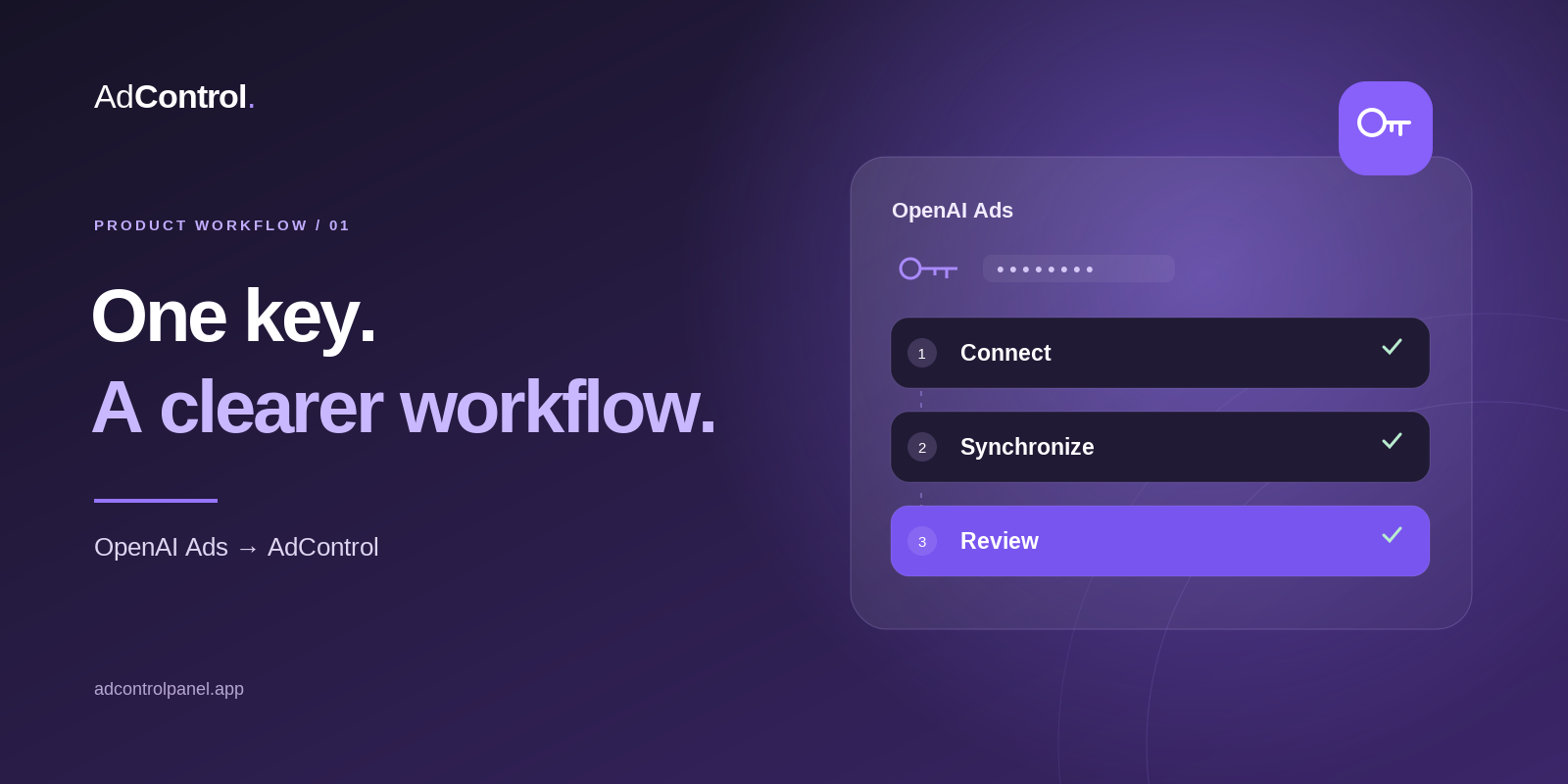
PRODUCT WORKFLOW · 01
The campaign meeting should start with a decision, not a search for the right spreadsheet. For a small marketing team managing a product launch, connecting OpenAI Ads to AdControl creates a shared starting point: the right advertising account, current campaign data and a clear path from preparation to review.
The challenge: too much preparation before the real work
Picture a team coordinating a launch across several advertising channels. Before discussing the next move, someone checks campaign status, someone retrieves performance figures, and someone else reconciles the brief with the latest creative. Every handoff adds another opportunity to work from an outdated view.
The goal here is practical: reduce repeated data entry and account switching, while keeping a person responsible for budgets, creative and activation. AdControl brings these tasks into a connected workspace; it does not replace the team’s judgment.
01 / Connect the right OpenAI Ads account
Start with an OpenAI Ads account that has API access. In OpenAI Ads Manager, issue the API key associated with the advertising account you want to manage. Account access and feature availability depend on OpenAI. A key for OpenAI model APIs or a ChatGPT subscription does not establish an Ads connection.
Choose the workspace
Open the workspace for the brand or client you are managing, then go to Connections → OpenAI Ads.
Save the account’s Ads API key
Paste it into the OpenAI Ads API key field and select Save and activate. AdControl checks the key against the account endpoint before saving new credentials.
Check the first synchronization
A successful connection starts an initial sync. If that sync reports a problem, resolve it before using the dashboard as your current performance view.
02 / Replace scattered checks with a shared campaign view
The OpenAI Ads synchronization retrieves the account, campaigns, ad groups, ads and available campaign insights. AdControl stores the imported data in the selected workspace, where the team can review status alongside performance.
For the launch team, this removes a specific handoff: manually copying available OpenAI Ads figures into a separate working sheet before every review. Synchronization is a snapshot, not a promise of live streaming. Check freshness, date ranges and conversion tracking before comparing campaigns.
03 / Prepare the campaign, then review before activation
Build the campaign around a concrete brief: goal, audience, budget, dates, destination and creative. When preparing an OpenAI Ads publication, complete the required platform details and review the connected advertising account.
AdControl creates new OpenAI campaign resources in a paused state. The team can inspect what was prepared before deciding to activate it. Account status, brand approval, required fields and OpenAI’s review still matter; saving a key does not guarantee that an ad can run.
The AI analysis available inside AdControl is a separate step. In the current system it uses the AI provider configured by the platform, DeepSeek. Your OpenAI Ads key connects advertising data and actions; it does not power those AI analyses.
Where the workflow becomes faster
The improvement comes from removing repeated preparation between useful actions. Connect once, synchronize when needed, review in context and make the next decision with the team.
| Task | Without a connected workspace | With AdControl |
|---|---|---|
| Account setup | Reconfirm which account each export belongs to | Validate the advertising account when connecting |
| Daily review | Move figures and campaign status between tools | Review synchronized data in the workspace |
| Campaign preparation | Rebuild context at each handoff | Keep the brief and campaign preparation together |
| Activation | Separate preparation from the final account check | Review paused resources before activation |
Measure the time you actually recover
To evaluate the benefit, time the same recurring task before and after connecting: prepare a campaign review, find an ad’s status or assemble a launch draft. Keep the scope and date range the same. Record minutes spent on collection, preparation and corrections separately.
There is no measured time-saving percentage in this example. The benefit to test is less manual preparation, fewer repeated checks and more time for creative judgment. Campaign outcomes still depend on targeting, creative, budget, tracking and market conditions.
Less preparation. More deliberate decisions.
Your OpenAI Ads key is the connection. AdControl is the workspace where the team turns that connection into a repeatable campaign routine.
OpenAI Ads API key guides: choose your next step
Explore the account, security and reporting workflows for UK agencies and US growth teams.
- OpenAI Ads API Key vs OpenAI API Key: Which One Do You Need?
- OpenAI Ads API Key Not Working? A Practical Troubleshooting Guide
- How to Replace an OpenAI Ads API Key in AdControl
- OpenAI Ads for UK Agencies: A Repeatable Client Handover
- OpenAI Ads for US Teams: A Campaign Launch Review Checklist
- OpenAI Ads Reporting in AdControl: A Better Weekly Review
More case studies
OpenAI Ads API Key vs OpenAI API Key: Which One Do You Need?
Connecting an advertising account is different from calling an AI model. Learn which key AdControl needs, where it belongs and how to avoid a failed setup.
OpenAI Ads API Key Not Working? A Practical Troubleshooting Guide
Separate a rejected credential from a synchronization warning, an account restriction or an ad review. Diagnose the stage that failed before changing anything.
OpenAI Ads Reporting in AdControl: A Better Weekly Review
Turn synchronized campaign data into a review with clear context, useful questions and a named next action. A practical routine for UK agencies and US teams.