
CASE STUDY
How to Replace an OpenAI Ads API Key in AdControl
A practical credential handover: identify the right account, replace the saved key securely and verify a fresh synchronization before closing the task.
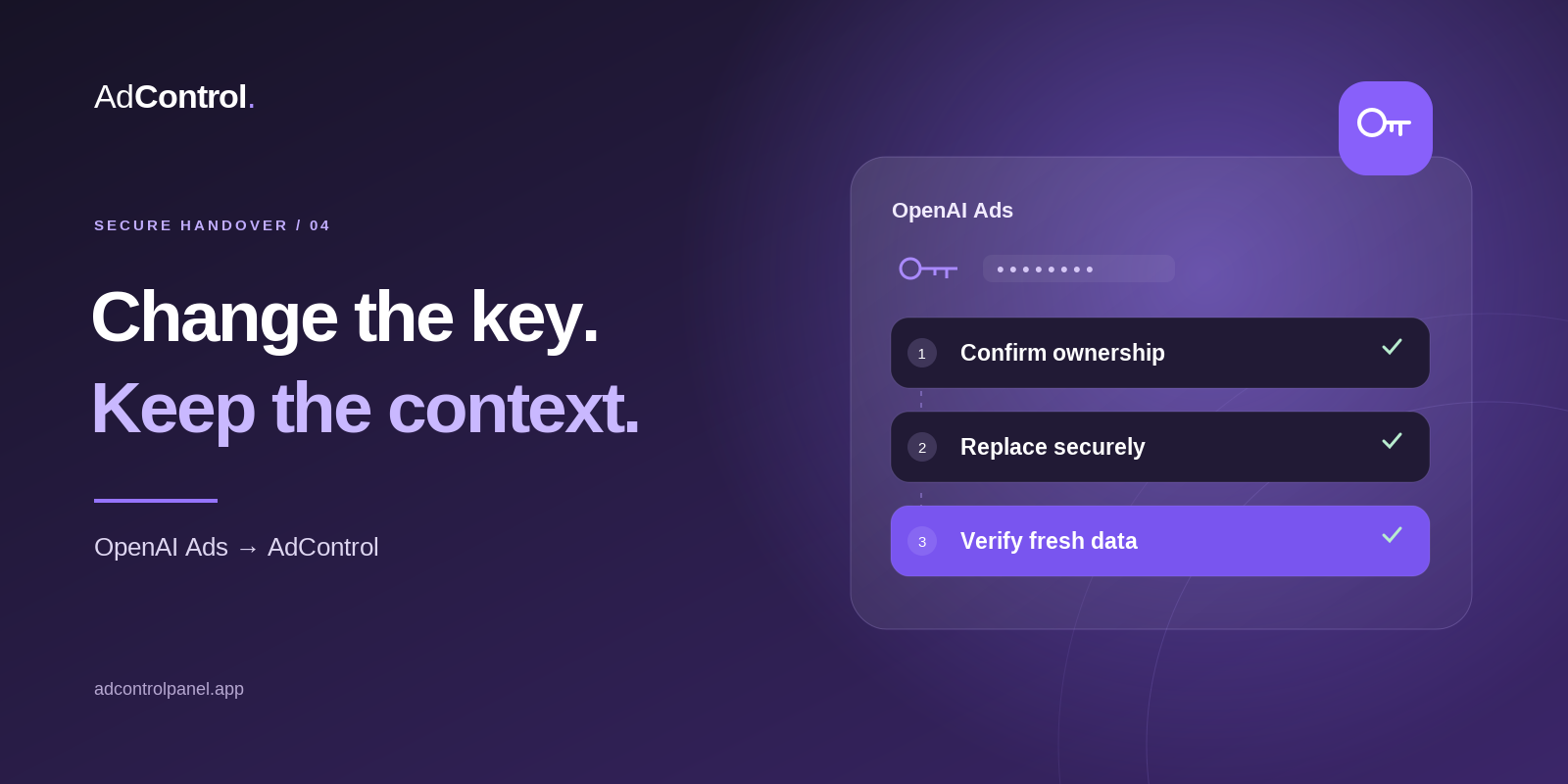
SECURE HANDOVER · 04
Replacing a credential should be a controlled handover, not a scramble to recover campaign context. Whether an employee changes roles, a client changes agency or an account owner requests a routine update, the team needs to know which account is affected and how to verify the replacement.
Start with an account and workspace record
Before changing anything, identify the OpenAI advertising account and the AdControl workspace that uses it. Record the account reference, responsible owner and reason for the change without recording the secret itself. Do not infer the account from an informal key name or a team member’s memory.
A workspace is useful operational context, but it is not permission to mix clients. AdControl stores one OpenAI credential record per workspace and platform. Replacing that record with a key for another client is not a safe way to switch reporting contexts. Use the correct client workspace and verify account identity.
Replace the saved credential through Connections
Use the account’s authorized process
Ask the advertising account owner to supply a valid replacement using the provider’s available credential controls. If a key may have been exposed, involve the account owner promptly rather than treating it as a routine handover.
Enter the replacement in AdControl
In the intended workspace, open Connections → OpenAI Ads. Enter the new Ads API key and choose Save and activate. The application validates new credentials before saving them.
Check the first synchronization
Confirm that the connection refers to the intended account and inspect the synchronization result. A saved connection alone is not a complete verification of the imported data.
What AdControl stores, and what that does not guarantee
The application encrypts the credential before storing it and does not return the saved secret to the connection screen. A replacement updates the credential used by the workspace; it is not a request to delete the workspace’s campaign history.
This is not a guarantee of uninterrupted provider access. A revoked or incorrectly scoped credential can interrupt synchronization or supported campaign actions until a valid connection is restored. Existing stored snapshots do not prove the replacement works. Verify a fresh request and its outcome before marking the handover complete.
Example: an agency operator changes responsibilities
Imagine a UK agency handing an account from a departing operator to an authorized colleague. The agency records the client workspace and account reference, arranges credential replacement with the account owner and updates the connection. The receiving operator checks fresh data and documents the result.
The improvement is a clearer task boundary: ownership, replacement and verification each have an owner. This example does not claim a measured reduction in incidents or a particular client result. US in-house teams can apply the same sequence when responsibilities change.
Close the loop outside the connection form
After the new connection is verified, the account owner should review the old credential and remove access according to the provider’s controls and the organization’s process. Changing the value saved in AdControl does not itself revoke a key at OpenAI.
Keep the completion record limited to non-secret context: the affected account, responsible operator, replacement date and verification outcome. If the key appeared in a screenshot or shared document, follow your organization’s exposure procedure. Do not put either credential into the handover record.
Useful next steps
The replacement is complete when the new connection is verified.
Preserve the context, protect the credential and document the outcome without storing the secret in the handover.
More case studies
OpenAI Ads API Key Not Working? A Practical Troubleshooting Guide
Separate a rejected credential from a synchronization warning, an account restriction or an ad review. Diagnose the stage that failed before changing anything.
OpenAI Ads for UK Agencies: A Repeatable Client Handover
Organise account ownership, workspace access and reporting context before the next client review. A practical handover workflow for a UK agency team.
One API key. A clearer campaign workflow.
Connect OpenAI Ads to AdControl, bring campaign data into one workspace, and move from scattered checks to decisions you can review with confidence.