
CASE STUDY
OpenAI Ads API Key vs OpenAI API Key: Which One Do You Need?
Connecting an advertising account is different from calling an AI model. Learn which key AdControl needs, where it belongs and how to avoid a failed setup.
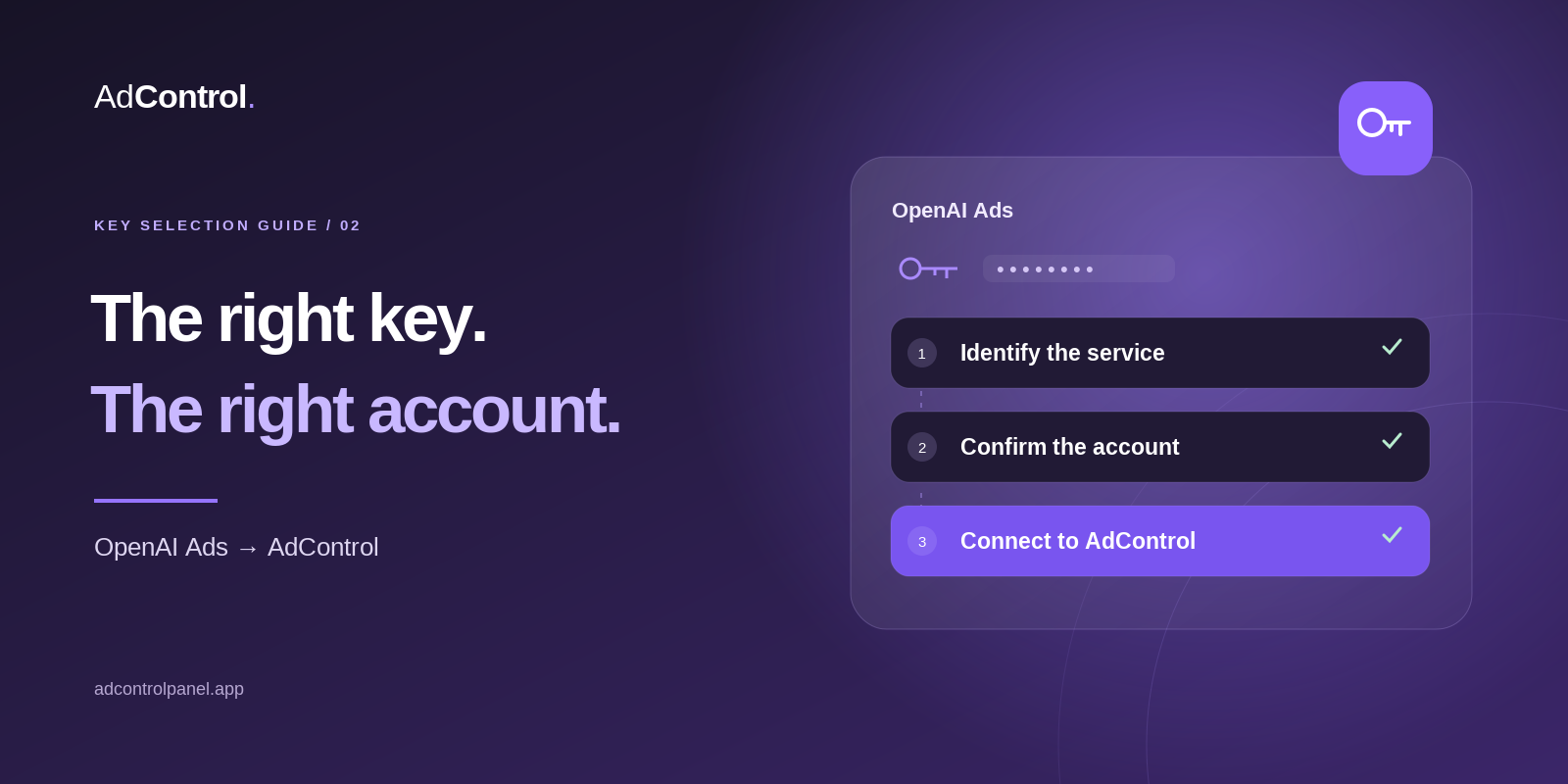
KEY SELECTION GUIDE · 02
If an OpenAI key works in one tool but fails in AdControl’s OpenAI Ads connection, first check what the key authorizes. A key for an AI application and a key for an advertising account solve different problems. This distinction matters more than the label “OpenAI” on the setup screen.
The short answer for AdControl users
The OpenAI Ads connection in AdControl expects the Ads API credential for the advertising account you intend to manage. AdControl uses that credential to validate the account and access advertising resources. A successful connection can start importing campaigns and the available campaign insights into a workspace.
This is separate from supplying a key to a text-generation application. Buying a ChatGPT subscription, holding a model API key or creating an AdControl account does not by itself grant access to an OpenAI advertising account. Start from the account and service you actually want to connect.
Three services that are easy to confuse
| What you have | What it is for | What it means in AdControl |
|---|---|---|
| OpenAI Ads API key | Access to a particular advertising account through the Ads API | The credential expected by Connections → OpenAI Ads |
| OpenAI model API key | Authenticated requests to supported model API services | Not a replacement for the Ads credential |
| ChatGPT subscription | Access to the ChatGPT product under its own plan | Does not establish an AdControl Ads connection |
A common setup scenario: the developer and the marketer
Consider a US software team preparing an advertising test. A developer already has credentials for an internal AI application, while the marketer has access to an advertising account. Sharing the developer’s existing model key creates an unnecessary detour: it does not identify the marketer’s Ads account.
The cleaner handoff is to identify the advertising account owner, confirm that the account has Ads API access and use its Ads credential in the intended workspace. UK agencies can apply the same process for each client. Keep an account-to-workspace record rather than treating every OpenAI credential as interchangeable. This is an illustrative handoff, not a reported customer outcome.
Connect the intended account
Check the service
Confirm that you are setting up advertising access, not model inference. Use the Ads account’s own API settings and current OpenAI guidance.
Choose the workspace
Open the brand or client workspace in AdControl and select Connections → OpenAI Ads. Paste the Ads credential and choose Save and activate.
Read the outcome
New credentials are checked against the account endpoint before saving. After a successful connection, review the first synchronization and any warning separately.
Does the Ads key power AdControl’s AI analysis?
No. The current AdControl campaign-analysis implementation uses the platform-configured DeepSeek provider. The OpenAI Ads credential is used for advertising account access, data and supported campaign actions. Connecting it does not switch the analysis model or create model API credit.
This separation gives the team a clearer troubleshooting boundary. A failed advertising connection belongs to the account and Ads credential workflow. A failure in an AI analysis belongs to the platform’s analysis configuration. Changing unrelated keys makes either investigation harder.
Choose your next step
Start with the account, not the key label.
Once you identify the right service and account, the connection becomes a clear operational step instead of a trial-and-error exercise.
More case studies
OpenAI Ads API Key Not Working? A Practical Troubleshooting Guide
Separate a rejected credential from a synchronization warning, an account restriction or an ad review. Diagnose the stage that failed before changing anything.
How to Replace an OpenAI Ads API Key in AdControl
A practical credential handover: identify the right account, replace the saved key securely and verify a fresh synchronization before closing the task.
One API key. A clearer campaign workflow.
Connect OpenAI Ads to AdControl, bring campaign data into one workspace, and move from scattered checks to decisions you can review with confidence.