
CASE STUDY
OpenAI Ads API Key Not Working? A Practical Troubleshooting Guide
Separate a rejected credential from a synchronization warning, an account restriction or an ad review. Diagnose the stage that failed before changing anything.
TROUBLESHOOTING PLAYBOOK · 03
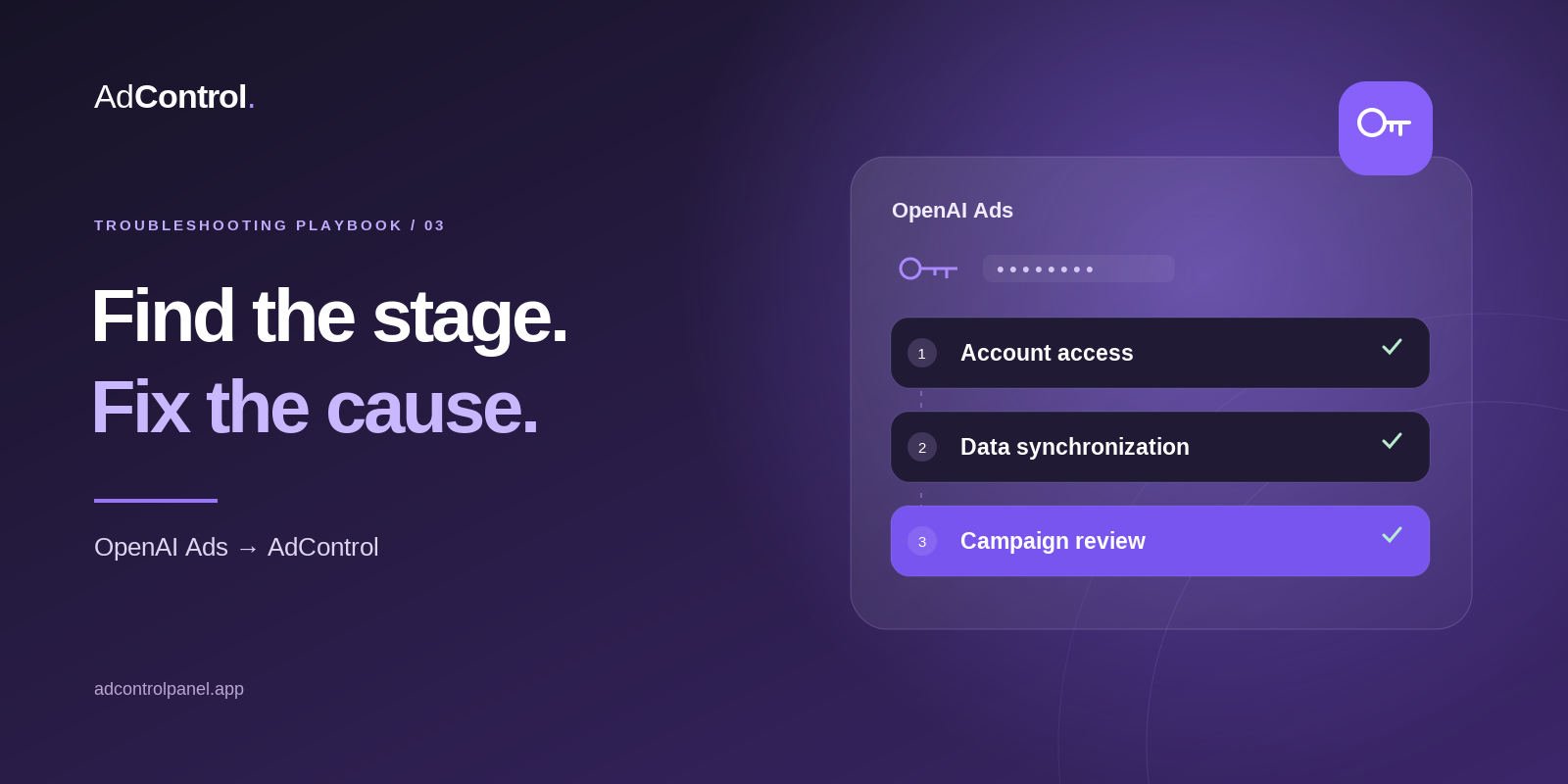
“The API key is not working” can describe several different failures. A rejected connection, a saved connection with a sync warning and a paused campaign are different problems. Identifying the stage first prevents unnecessary key changes and avoids disturbing a connection that is already valid.
Identify which part of the workflow failed
| What you see | What to investigate | What not to assume |
|---|---|---|
| Save and activate rejects a new key | Credential type, advertising account and account access | Do not assume the campaign creative caused the rejection |
| Connection saved, first sync failed | Synchronization warning, provider response and connectivity | Do not assume the saved key is necessarily invalid |
| Campaign exists but is paused | Prepared resources, account readiness and activation decision | A paused resource is not proof of a bad key |
| Campaign is active but not delivering | Provider review and delivery requirements | A valid key does not guarantee ad delivery |
When new credentials are rejected
AdControl checks a new OpenAI Ads credential against the account endpoint before it is saved. Start by confirming that the credential belongs to the intended Ads account and is an Ads API key. A key used by an unrelated AI application is not the correct substitute.
Read the provider’s message rather than treating every rejection as the same error. Authentication failures, unavailable permissions and account restrictions require different follow-up. If your account administrator changes access or issues a replacement credential, enter the current value through the connection screen rather than sharing it in a support message.
When the key is saved but data does not arrive
A connection can be saved successfully while its initial synchronization reports a warning. Review that warning and the account being imported. The synchronization requests advertising resources and the available insights; a later request can fail even after account validation succeeds.
For example, a UK account operator may connect successfully but see an interrupted import before a weekly review. The useful next action is to document the affected account, warning, approximate time and intended date range, then retry only after checking the indicated cause. Replacing every credential or repeatedly saving the same key obscures that evidence. No particular provider outage is assumed in this example.
When the campaign stays paused
New OpenAI campaign resources published through AdControl are created in a paused state. That is part of the review workflow. Check the prepared campaign before deciding to activate it; do not rotate the credential merely because a new campaign is paused.
Advertising account status, brand approval, required campaign details and provider review are separate from authentication. A US launch team should distinguish “we can access the account” from “this ad is approved and eligible to run.” Neither an active connection nor a complete draft proves delivery.
Build a useful support handoff
Record the stage
Describe whether saving the credential, synchronizing data or activating a campaign failed. Include the visible error text.
Add operational context
Include the workspace, account reference, affected campaign and time of the attempt. Check that a screenshot contains no credentials.
Keep the key private
Do not paste a key into chat, email, screenshots, public issue trackers or browser debugging output. Account access should be investigated through the authorized connection workflow.
Continue with the relevant guide
Fix the failed stage, not every setting.
A clear distinction between account access, synchronization and delivery makes troubleshooting more precise.
More case studies
OpenAI Ads API Key vs OpenAI API Key: Which One Do You Need?
Connecting an advertising account is different from calling an AI model. Learn which key AdControl needs, where it belongs and how to avoid a failed setup.
How to Replace an OpenAI Ads API Key in AdControl
A practical credential handover: identify the right account, replace the saved key securely and verify a fresh synchronization before closing the task.
One API key. A clearer campaign workflow.
Connect OpenAI Ads to AdControl, bring campaign data into one workspace, and move from scattered checks to decisions you can review with confidence.